Help and support
Find guidance or report a problem without sharing private business or customer records.
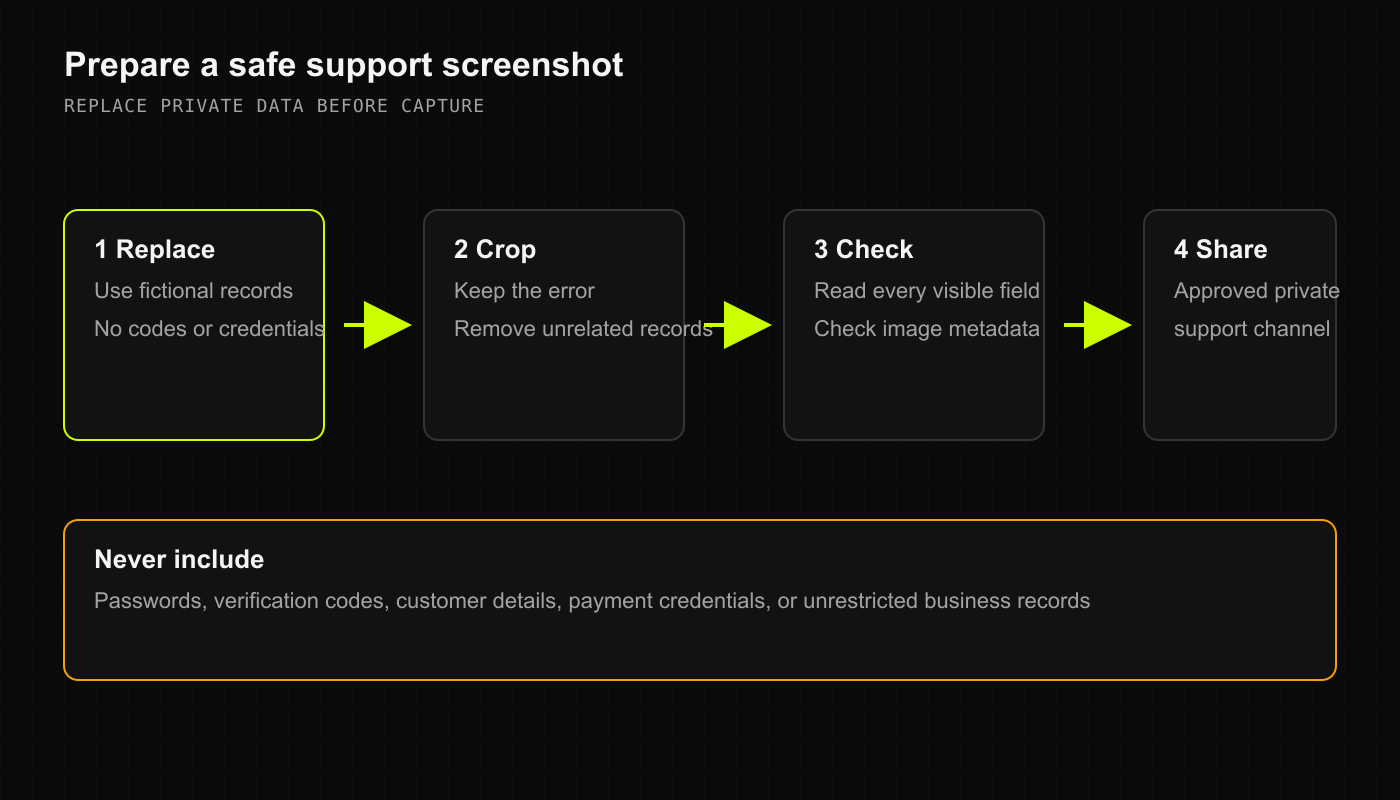
Get help with a private issue
Note the screen, action, approximate time, device, and exact error. Do not include passwords, verification codes, customer details, or payment credentials.
For account access, balances, failed transactions, privacy, or deletion, email DRX support.
Describe what you expected and what happened. Start with a redacted description; send sensitive records only through an approved private process if support specifically needs them.
If a sale, payment, or Inventory change has an uncertain result, check its saved record before retrying. Leave the original records unchanged while the issue is reviewed.
Screenshots can expose names, addresses, balances, and other records. Crop and redact them before sharing. Screen masking alone is not proof that an image contains no private data.
Share product feedback
Use DRX feedback for general ideas. Do not post account problems, customer records, private transaction details, or security reports there. Public roadmap entries are plans, not proof that a feature is available to your account.
Check device availability
DRX remains in early access. These Help Center procedures describe the web beta unless an article says otherwise.
Desktop web: use the sign-in link supplied with your approved access.
Mobile web and PWA: use that same web address in your phone browser. A home-screen shortcut does not grant extra features or guarantee offline checkout. Confirm your needed workflow before relying on it during a shift.
iPhone: public early access has not been announced. Do not assume a TestFlight invitation or an available build. Use only an invitation that DRX has separately confirmed for you.
Expo and Android: code and test screens do not establish general availability or full workflow support. There is no full Android support claim in these guides.
Use the early-access waitlist for access updates. Do not install builds from unofficial links.
What happens next
Support can review the issue and explain the next step. Do not share another person's login or change privacy, balances, or access settings to bypass a problem.